Analytics dashboard
TubeCMS includes built-in, privacy-friendly analytics — no third-party scripts on your visitors' browsers. Basic analytics are available on all plans; full analytics require the Pro plan.
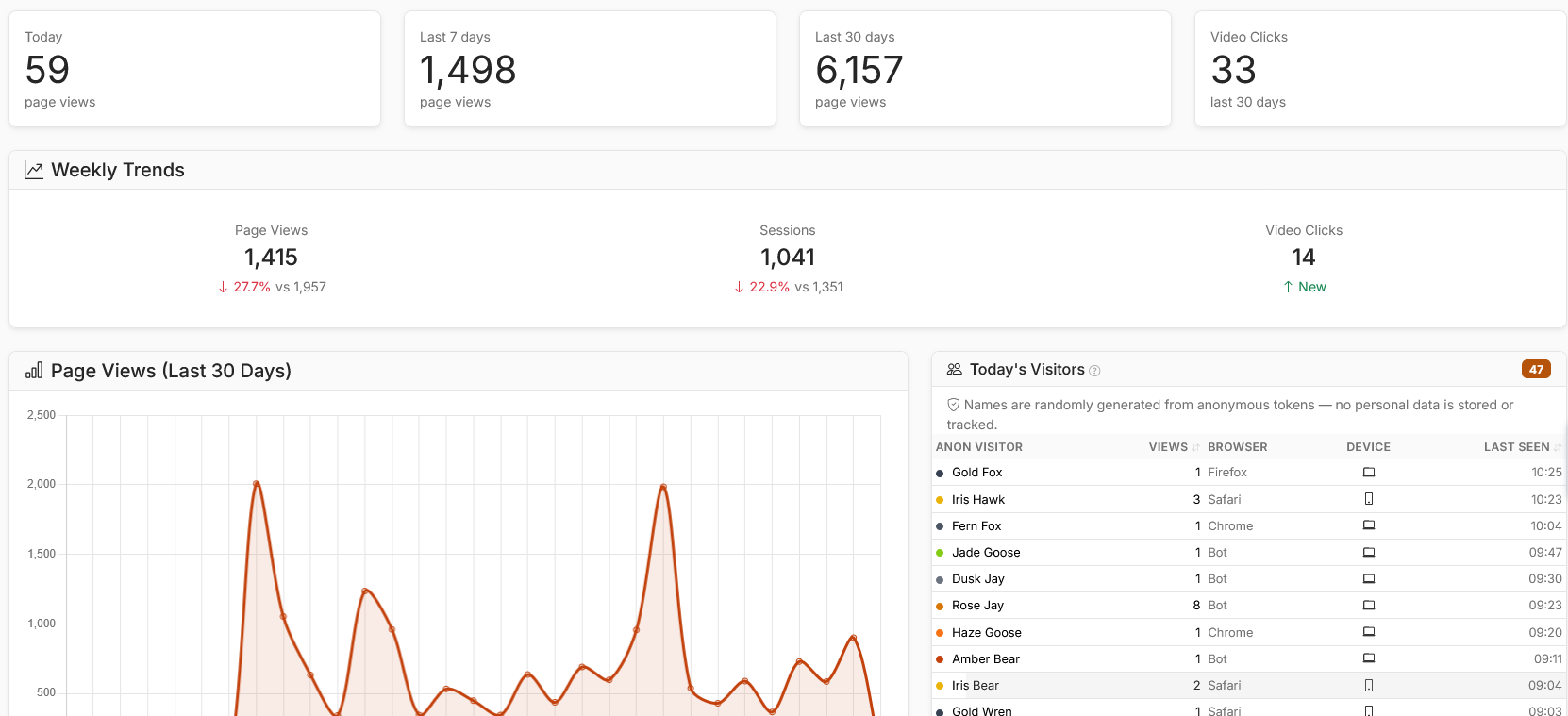
Analytics dashboard overview (Pro)
What's tracked
All plans:
- Daily page views — 30-day chart
- Top pages — which pages get the most views
- Top referrers — where your traffic comes from
- Top country — your most popular country
- Peak hours — when your visitors are most active
- Video and merch click tracking
- Bot vs human traffic breakdown
Pro plan adds:
- Full geographic breakdown — top 10 countries and cities
- Device, browser, and OS stats
- Landing page analysis
- New vs returning visitors
- Newsletter page views
- Real-time visitor dashboard
- CSV export
- Engagement stats — bounce rate, pages per session, and average session duration
- Referrer quality — see which traffic sources drive the most engaged visitors (avg pages, bounce rate, and time on site per referrer)
- UTM campaign tracking — track traffic from links tagged with
utm_source,utm_medium, andutm_campaignparameters - Time on page — estimated reading time per page on both the top pages table and the real-time view
- User flow — a Sankey diagram showing how visitors navigate through your site, with entry and exit page tables
UTM campaign tracking (Pro)
Add UTM parameters to any link pointing to your site to track where your traffic comes from:
https://yoursite.tubecms.app/videos/abc123?utm_source=youtube&utm_medium=description&utm_campaign=spring-video
TubeCMS automatically captures utm_source, utm_medium, and utm_campaign from incoming URLs and displays them in the UTM Campaigns table on your analytics dashboard.
Email notifications sent by TubeCMS (new video alerts, live stream alerts, and newsletter broadcasts) automatically include UTM parameters so you can see how much traffic your emails drive.
User flow (Pro)
The user flow page shows a visual Sankey diagram of how visitors navigate through your site. It shows which pages visitors enter on, how they move between pages, and where they leave. Access it from the User Flow button in the Engagement section of your analytics dashboard.
Individual video and blog post pages are grouped together (e.g. all video pages show as "videos") so the diagram shows meaningful patterns rather than hundreds of individual URLs.
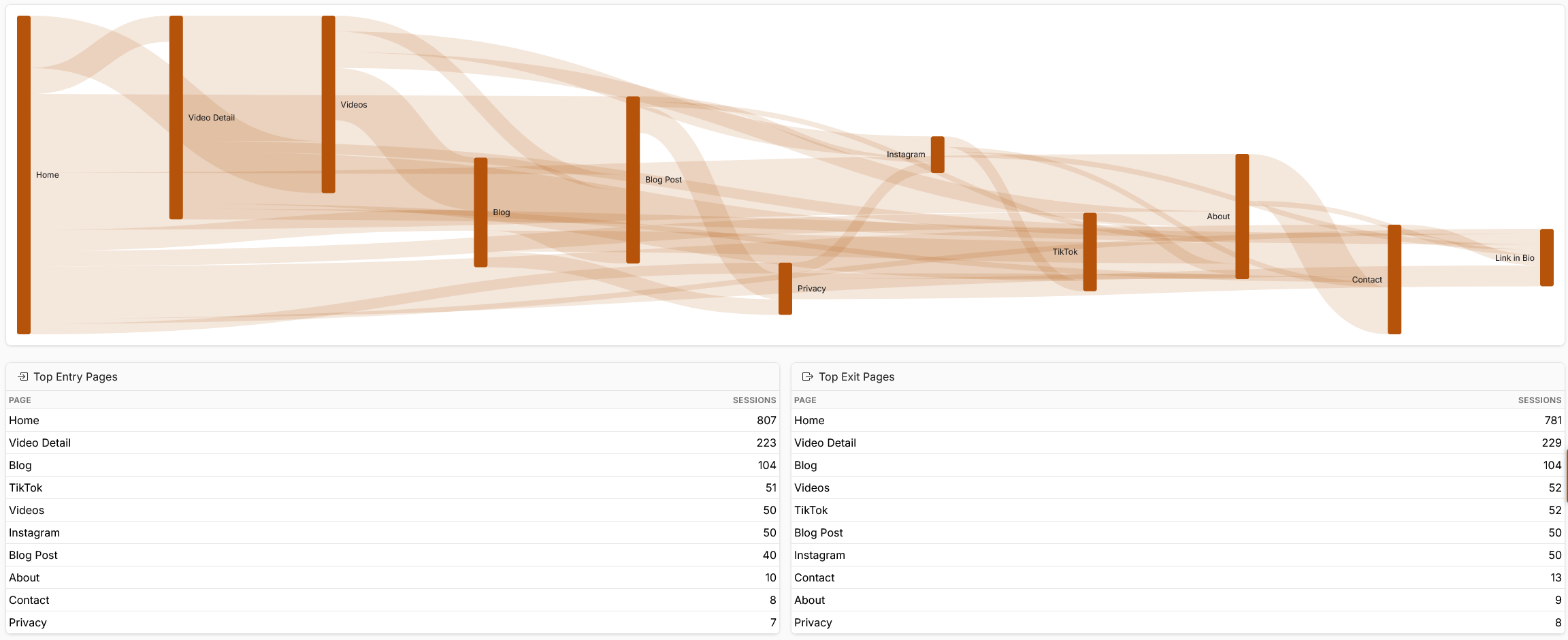
User Flow Analytics
Real-time dashboard (Pro)
The real-time view shows visitors currently on your site, what pages they're viewing, how long they've been on the page, and where they're from. It updates every 5 seconds.
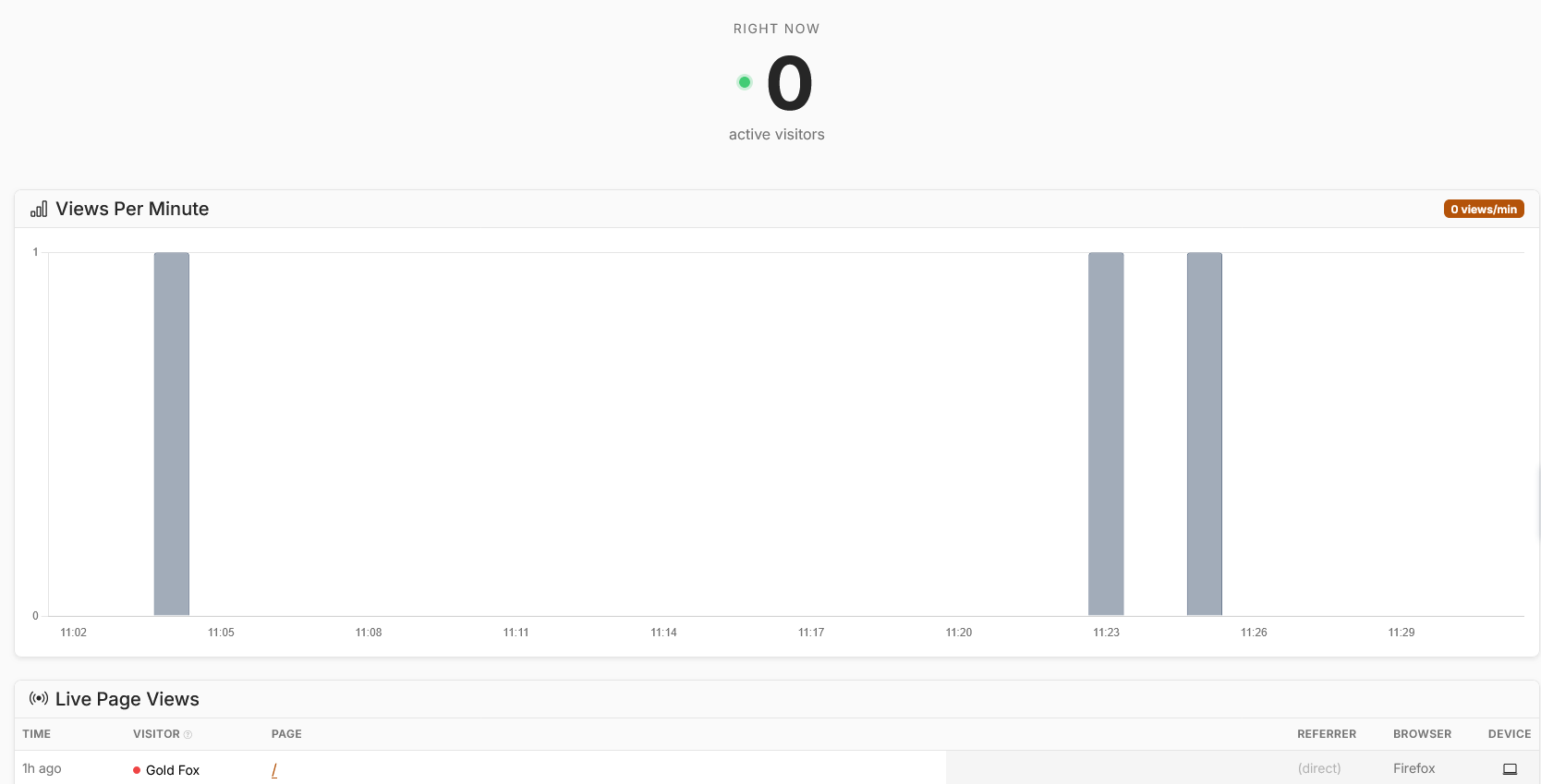
Real-time dashboard (Pro)
Exporting data
On the Pro plan, you can export your analytics data as a CSV file from Admin Panel → Analytics → Export CSV.
Bot filtering
TubeCMS automatically detects known bots and crawlers (search engines, AI crawlers, social media previews, SEO tools). Toggle between Humans Only and All Traffic on the analytics dashboard to filter them out.
Privacy
TubeCMS analytics are fully privacy-friendly:
- No cookies placed on visitors
- No third-party tracking scripts
- No personal data collected or stored
- Visitor identification uses a daily-rotating hash (IP + user agent + date) that resets every 24 hours
- Designed to be privacy-friendly and avoid third-party analytics cookies. You should still assess your own legal requirements