Connect Etsy
If you sell merch or handmade products on Etsy, you can display your listings on your TubeCMS site. No OAuth or app installation needed — just enter your shop name.
Setup steps
- Go to Admin Panel → Settings → Merch
- Find the Etsy section
- Enter your Etsy shop name (the name in your Etsy URL, e.g.
etsy.com/shop/yourshopname) - Click Connect
- Your active listings will sync automatically
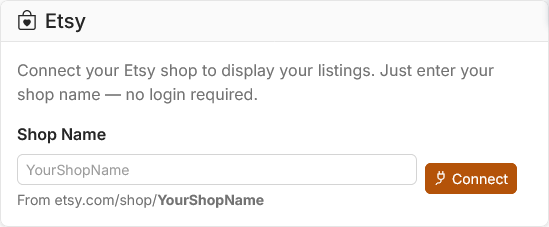
Etsy integration showing shop name input field
What's synced
- Listing title, description, and price
- Listing images (primary image)
- Listing URL (links to your Etsy shop for checkout)
Only active listings are synced — sold out, expired, or draft listings are excluded. Your shop must be public for TubeCMS to fetch listings.
Disconnecting
Go to Admin Panel → Settings → Merch → Disconnect Etsy. Your listing data will be removed from your site but your Etsy shop is unaffected.