Connect Fourthwall
Fourthwall is the most popular merch platform among YouTube creators. TubeCMS connects via OAuth to sync your products automatically.
Setup steps
- Go to Admin Panel → Settings → Merch
- Find the Fourthwall section
- Click Connect Fourthwall
- You'll be redirected to Fourthwall to authorise access
- Grant permission and you'll be redirected back to TubeCMS
- Your products will sync within a few minutes
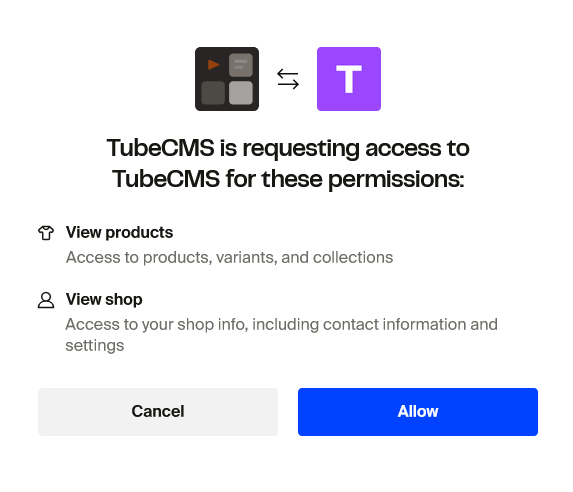
Fourthwall OAuth authorisation screen
What's synced
- Product title, description, and price
- Product images
- Product URL (links to your Fourthwall shop for checkout)
Products are refreshed automatically in the background. You can also trigger a manual sync from Admin Panel → Settings → Merch
Disconnecting
Go to Admin Panel → Settings → Merch → Disconnect Fourthwall. Your product data will be removed from your site but your Fourthwall shop is unaffected.