Merch store overview
TubeCMS gives you a dedicated merch page to display products from Fourthwall, Shopify, or Etsy. Connect one or more stores and products sync automatically.
What's displayed
Your merch page shows:
- Product image, name, and price
- A "View Product" link to purchase on your merch platform
- A "Sold out" badge on unavailable items
- Store badges when multiple platforms are connected (so visitors know where each product is from)
- Products load 12 at a time with a Load more button
Merch page settings
Manage your merch page from Admin Panel → Settings → Merch. From here you can:
- Rename the page — choose from Merch, Shop, Store, Products, or Merchandise. This changes the navigation link, page title, breadcrumb, and URL (e.g. renaming to "Shop" moves the page to
/shop) - Show or hide sold out items — toggle whether out-of-stock products are visible
- Add intro text — display a message at the top of the merch page
- Connect or disconnect stores
- Refresh products — manually re-fetch products from your connected stores (30-second cooldown between refreshes). Products also refresh automatically every 60 minutes
Multiple stores
You can connect all three platforms at the same time. Products from all connected stores appear together on your merch page, with store badges showing where each product is from.
Shopify product filter
When Shopify is connected, you can choose which products to display:
- Active only — only published products (default)
- Active + draft — includes draft products
- All — everything except archived
Featured products
Star products to feature them. Featured products appear first in the homepage merch section. Manage featured products and their order from the Featured Products section on the merch settings page — drag to reorder.
Merch on homepage
Add a Merch section to your homepage via the homepage builder (Admin Panel → Settings → General, then the Homepage tab). This shows a grid of your products with optional carousel scrolling.
Banner
You can set a custom banner image for the merch page, or use your site's hero banner. Configure this from Admin Panel → Settings → Banners.
Supported platforms
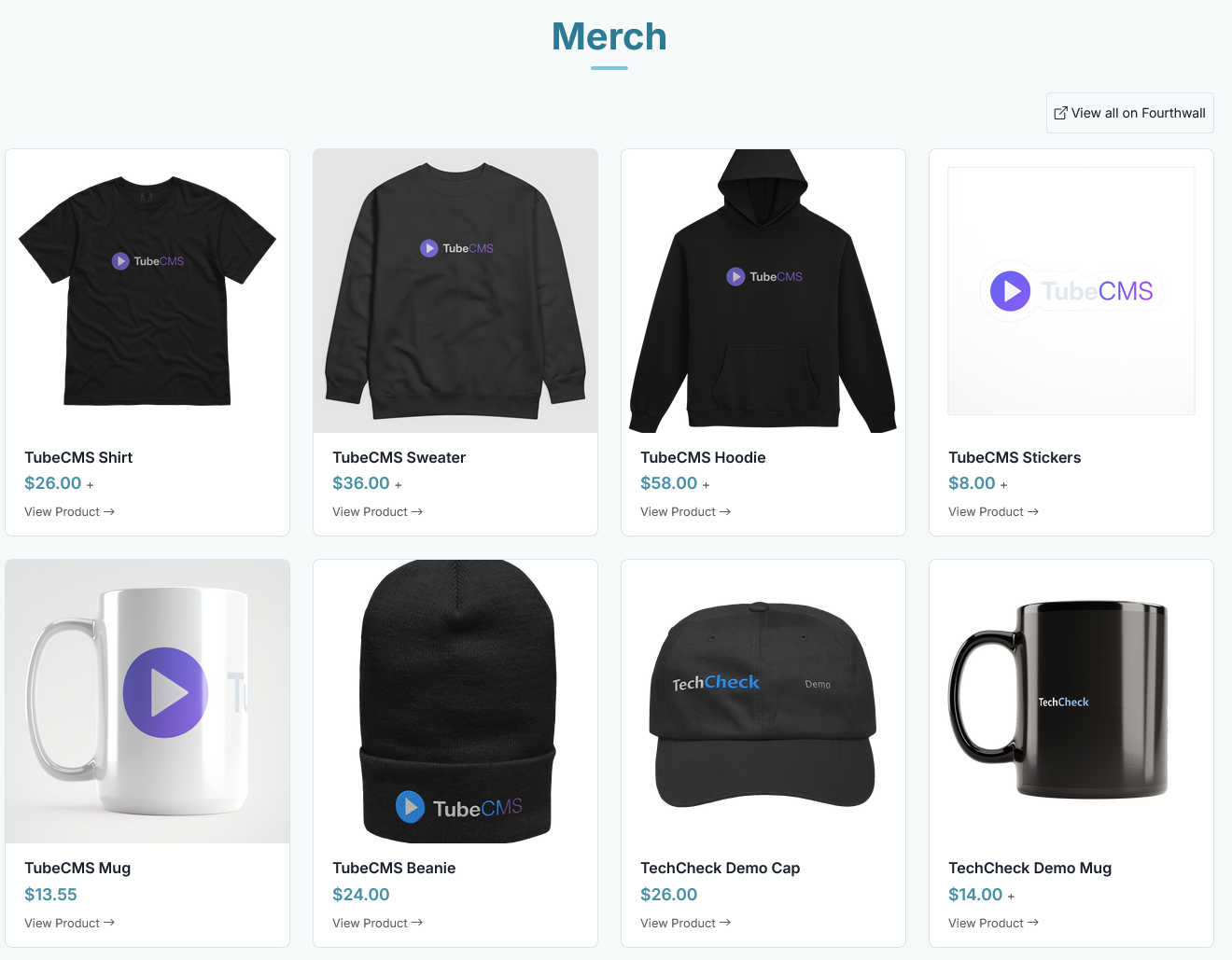
Merch page on a live site showing product grid
SEO
Your merch page automatically includes product structured data (schema.org) so search engines can understand and display your products in search results.
Disconnecting
Disconnect any store from Admin Panel → Settings → Merch. Your product data will be removed from your site.